DiffEngineX Screenshots

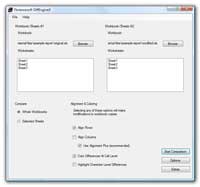
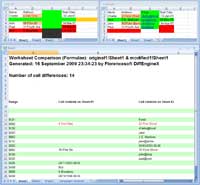
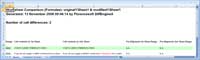
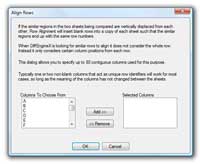
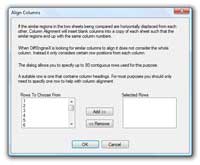
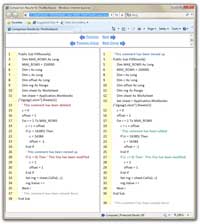
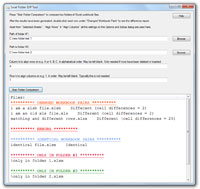
DiffEngineX finds the differences between Excel spreadsheet files quickly. The screenshots below show its user-interface, the difference report and the color highlighted copies of the workbook files being compared. DiffEngineX can highlight cell differences at the character level. Row alignment allows worksheets to be compared even if they have had new rows inserted and existing rows deleted.
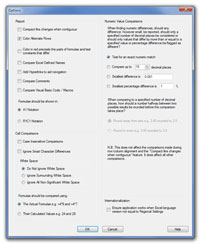
The Options dialog allows you to specify whether names, comments and VBA macros should be compared along with the worksheet cells. You can toggle whether each cell's formulae or calculated value are compared and ignore small numeric differences.
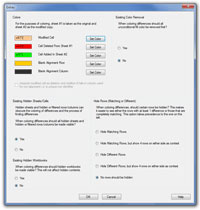
The Extras dialog allows you to specify the colors used for deletions, additions and changes and whether existing workbook fill color should be removed first. The most powerful option here allows you to hide matching rows on the color highlighted workbooks. In this way all the differences can be seen at once.
Click on each image for the full-scale version.
 Short DiffEngineX Guide
 Viewing The Results